Tech that just works. On every device.
Business email, files, logins, laptops and backups, all done properly. So the tech stops getting in the way, and you stop being the office IT guy.
Your tech is held together with sticky tape.
Emails all over the place
A Gmail, an old Bigpond account and a work address that only works on one phone.
Files in five places
Quotes on your laptop, photos on your phone, and the price list on a USB stick somewhere.
Passwords on sticky notes
Everyone shares the same login, and nobody knows what happens if someone leaves.
The tech side, sorted properly.
We set it up the right way once, then keep an eye on it so it stays that way.
Proper business email
you@yourbusiness.com.au, working on your phone, laptop and tablet. Moved across from your old accounts with nothing lost.
In tech speak: Microsoft 365 or Google Workspace setup and migration
Files in one place
Everything in shared folders the whole team can reach from anywhere. The right people see the right things.
In tech speak: OneDrive, SharePoint or Google Drive structure and permissions
Logins and passwords
A password manager for the team, two-step login on what matters, and a plan for when someone leaves.
In tech speak: Password management, MFA and staff on/offboarding
Backups that actually work
Your emails and files copied every night, somewhere safe. We check they work, so you don't find out the hard way.
In tech speak: Cloud backup for M365 or Workspace
Devices and staff accounts
New laptop or new starter? We set it up so it's ready to go on day one.
In tech speak: Device setup and account provisioning
Basic security
Sensible protections against scams and dodgy emails, explained in normal words.
In tech speak: Email security, device protection and basic hardening
What changes.
| BEFORE | AFTER |
|---|---|
| Three email accounts, none of them look professional | One proper business email on every device |
| "Where's that quote?" every second day | Files in one place, found in seconds |
| Same password for everything | Each person has their own login, kept safe |
| Hoping nothing breaks | Backed up every night and checked |
How it went for Bridge Speech Therapy.
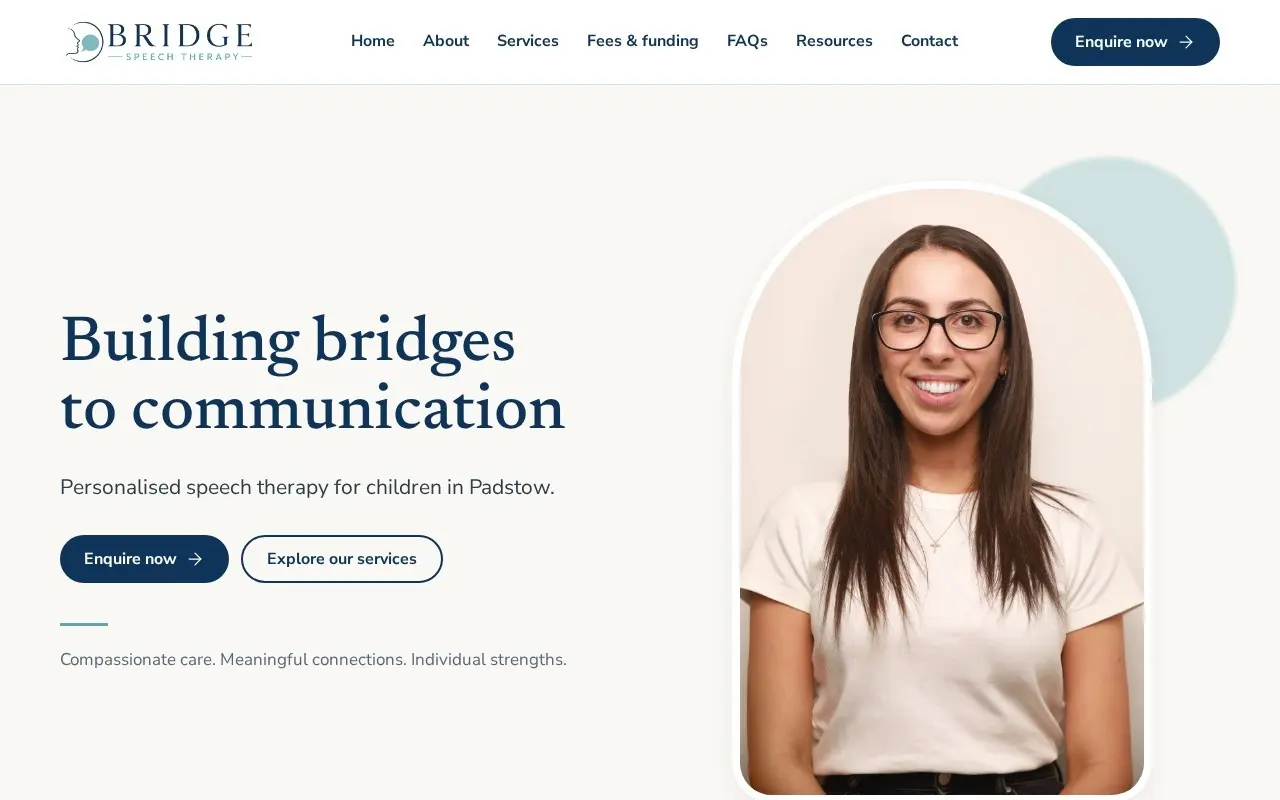
A new clinic, set up end to end.
- Website and Google Business Profile
- Business email, files and tech setup
- Enquiry handling and follow-ups
Three steps. You do one of them.
-
Step 1: Free check-up
We look at your email, files, devices and logins, and tell you what's risky and what's just annoying.
-
Step 2: We move you over
Usually over a weekend. We copy everything first and check it's there before switching.
-
Step 3: We keep it running
New starters, lost phones, weird errors. You call one number and we sort it.
Before you ask.
Will I lose my emails or files when you move things?
Microsoft 365 or Google Workspace?
Do I have to learn anything new?
What if a staff member leaves?
Most people need a bit of everything.
One team means the website, Google, email and systems all talk to each other. Here's the rest of what we do.
Let's get you set up.
Book a free business check-up. We'll look at your website, Google, email, tech and admin, then tell you what we'd fix and what it costs. No obligation, no jargon.